











The Bongobongo mobile application gives Zambian players access to sports betting and casino games from an Android device. It is designed for people who prefer using a phone instead of a desktop computer and need a compact interface for checking markets, managing an account, and reviewing bets. The application is intended for Android 5.0 and above, although available storage, device performance, and network quality can affect the experience.
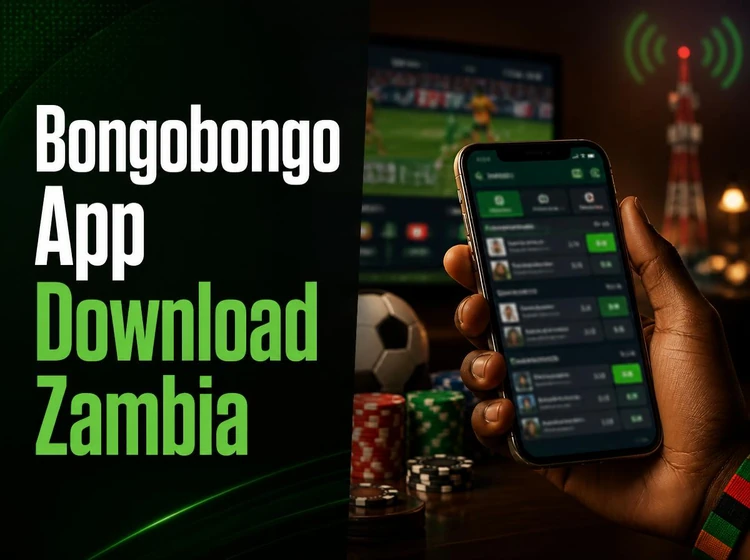
After installation, users can check live events, place wagers, view account activity, and receive selected notifications without opening a mobile browser. The layout uses larger controls and a shorter route to the bet slip, but responsible use still matters: check the odds and stake carefully before confirming any wager.
Bongobongo App Download
To download the application, open the official website in the browser on your Android phone and find the Android download option. Tap the button and wait for the APK file to reach the downloads folder. Use a stable Wi-Fi or mobile-data connection, and check that the phone has enough free space before starting.
Android may block the first installation because the file does not come from the Google Play Store. On recent devices, permission is usually granted to the browser or file manager only when it requests access to install an app. On older versions, the setting may appear under Settings and Security as unknown sources. Enable it temporarily, open the downloaded file, and follow the installation prompts. Afterward, review the permission request and disable the installation permission again if you do not plan to use it.
Download files only from the platform’s official source. Avoid copies shared through social media, file-hosting pages, or unsolicited messages, since an altered APK can expose login details or install unwanted software. If the download stops, delete the incomplete file, check the connection, and try again rather than opening an unknown replacement.
Bongobongo APK
An APK is the Android package used to install an application. It contains the program files and resources needed to run the mobile client. The file mentioned in the draft is approximately 25 MB, but the size can change with later releases, so leave additional storage available for temporary installation files and cached data.
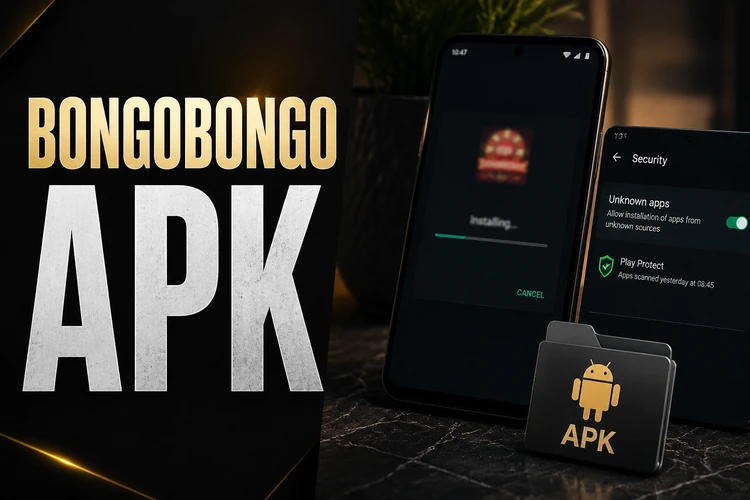
Compatibility depends on more than the Android number. Very old hardware may have limited memory, an outdated security layer, or insufficient space for updates. Close unused applications before installing, keep the phone charged, and use the standard package installer. If Android reports that the package cannot be opened, download it again and confirm that the file completed successfully.
Updates normally replace the existing version rather than creating a second copy. Keep the current installation in place during an update so account data and settings are more likely to remain available. If the application does not open after an update, restart the phone first. Clearing the app cache can help, while clearing storage may remove local session data and require another sign-in.
Bongobongo App Download Latest Version
Using the latest available build is preferable because updates can address bugs, improve compatibility, and strengthen security. An older build may display outdated markets or fail to work correctly with a changed payment process. Before updating, make sure the battery is charged and the phone is connected to a reliable network.
Updates may also refine bet-slip handling, live-market refreshes, screen layouts, and crash recovery. These changes can vary between releases, so the version information in the app or on the official download page is the best reference. Do not rely on a file name alone: check its source and avoid installing multiple versions from different websites.
If the update notification does not appear, close and reopen the application and check the download area again. Keep enough free storage for the new package. A failed update should not be repeated indefinitely; remove only an incomplete download, then obtain a fresh file from the official source.
Bongobongo App Login
If you already have an account, log in through the mobile application with the same credentials used on the website. Open the app, choose the login option, and enter the registered phone number or email address together with the password. Check the country code and keyboard language before submitting the form, as a small formatting error can prevent access.
For a forgotten password, use the recovery option below the login fields and follow the verification instructions sent to the registered contact method. Create a new password that is not reused on another service. If a code does not arrive, wait briefly before requesting another one and check whether the phone has a signal or message-storage space.
Other common problems include an expired session, incorrect credentials, or a temporary connection failure. Restarting the app and switching between mobile data and Wi-Fi can identify a network issue. Clear the cache before reinstalling. Never send a password or verification code to someone claiming to offer technical help.
Bongobongo Registration
New users can create an account inside the application by selecting the registration option. The form may request a phone number, email address, preferred currency, and password. Enter personal details accurately, because they may be needed later for account checks or payment-related verification. Choose a password with a mixture of letters, numbers, and symbols.
After the form is submitted, a verification code may be sent to the registered phone. Enter it only in the application’s verification screen. Review the terms before accepting them and confirm that you are 18+ before using betting services. Registration does not remove the need to manage spending carefully; set a personal limit before making a deposit.
Once the account is verified, the same credentials can generally be used on the website and mobile application. There is no practical benefit in opening duplicate accounts, and doing so can complicate account checks or transaction records. Keep the registered number active and update support information through the account settings if your contact details change.
Key Features of the Application
The mobile application adapts the main desktop functions for touch screens. Sports markets can include football, basketball, tennis, and other events, with separate views for pre-match and live betting. Live odds can change quickly, so confirm the selected price and stake on the bet slip immediately before submission.
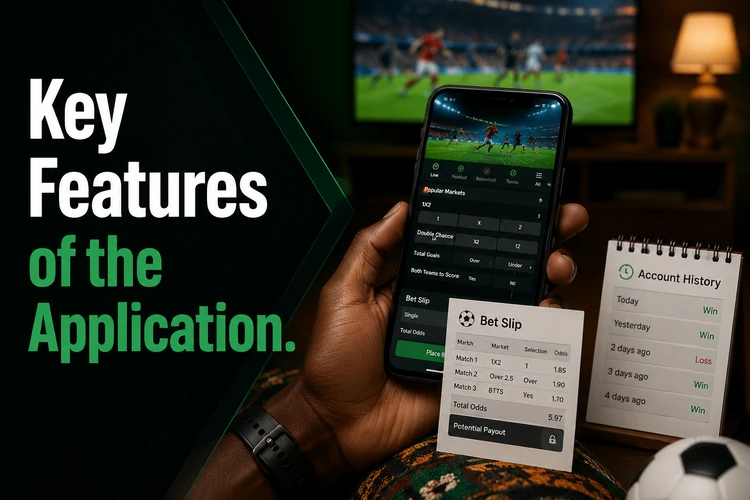
Account tools show deposits, withdrawals, open bets, settled bets, and transaction history in one place. Payment availability and processing times can depend on the method and account checks, so read the instructions displayed at the time of a transaction. Before requesting a withdrawal, verify that the account details are correct and review any status message shown in the cashier.
Notifications can be useful for bet settlements or followed events, but they are optional. Adjust them in the settings if frequent alerts become distracting. The account area also provides access to profile information, password controls, and session management. Sign out on a shared phone and use a screen lock on your personal device.
Why Use the Mobile Application
The application can reduce repeated browser loading and keeps frequently used controls close at hand. This may be helpful on a limited data plan or when moving between areas with inconsistent coverage. It cannot create a connection where none exists, so wait for a stable signal before confirming a deposit or bet.
The app may use encrypted connections and automatic session protection, but device security remains the user’s responsibility. Install system updates, use a screen lock, and avoid public devices for account access. Biometric sign-in or a PIN can be convenient when available, but keep the main password private and do not store it in an unsecured note.
For live events, allow the screen to load fully before acting and check that the market has not changed. If a request appears to fail, inspect the account history before submitting it again to avoid duplicate actions. When a payment or bet remains pending, keep the reference details and contact support through the available official channel rather than repeatedly retrying.
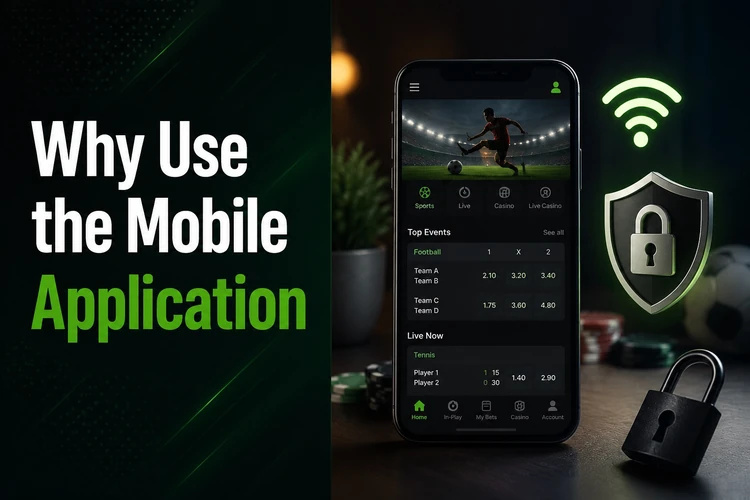
Anyone using betting services should decide in advance how much time and money is reasonable. Take breaks, do not chase losses, and use the available responsible gambling guidance if betting stops feeling controlled.
FAQ
Open the official website on an Android phone, find the Android download option, and save the APK. If Android requests permission to install it, grant access to the browser or file manager, open the completed file, and follow the prompts.
The draft specifies Android 5.0 or higher, but performance also depends on available storage, memory, and the device’s security settings. Check the Android version under Settings and About Phone before downloading.
Downloading and installing the application does not carry a stated charge. Mobile-data costs may apply, and the file size can vary by release. Any deposits, wagers, or other account transactions are separate from the download.
Open the application, select registration, and complete the requested form with accurate contact details and a secure password. Enter the verification code sent to the registered phone if prompted, review the terms, and confirm that you are 18+.
Yes. Use the same phone number or email address and password associated with the website account. If access fails, check the number format, connection, and password-recovery option rather than creating a duplicate account.
Use the update notice shown in the application or obtain the new installation file from the official source. Keep the existing app installed while updating, ensure there is enough storage, and restart the phone if the new version does not open.